Roomy
Keeps every menu bar icon visible
On a MacBook with a notch, too many menu bar icons slip behind the camera and disappear. Roomy watches the bar, and when space runs short it politely quits the lowest-priority apps you have allowed. When there is room again, it brings them back.
Version 1.0.1. The download button always gives the newest build.
Mac: macOS 14 Sonoma or later, on Apple silicon. Free and open source (MIT licence). Needs the Accessibility permission, used only to read where menu bar icons sit.

What it does
Every icon, always in view
Roomy sits in the menu bar and keeps an eye on the space. It is free and open source, and it only acts on the apps you allow.
You decide the order
Drag your menu bar apps into a priority list. The top app stays longest. Roomy only ever closes from the bottom up.
A padlock for apps that must stay
Lock any app and Roomy will never quit it, whatever happens to the space.
Auto-quit is opt-in, per app
Nothing is closed unless you switch Auto-quit on for that app. It starts off for every one of them.
Brings apps back
When there is room again, the apps it quit are reopened for you, so your menu bar goes back to normal.
A log of what it did
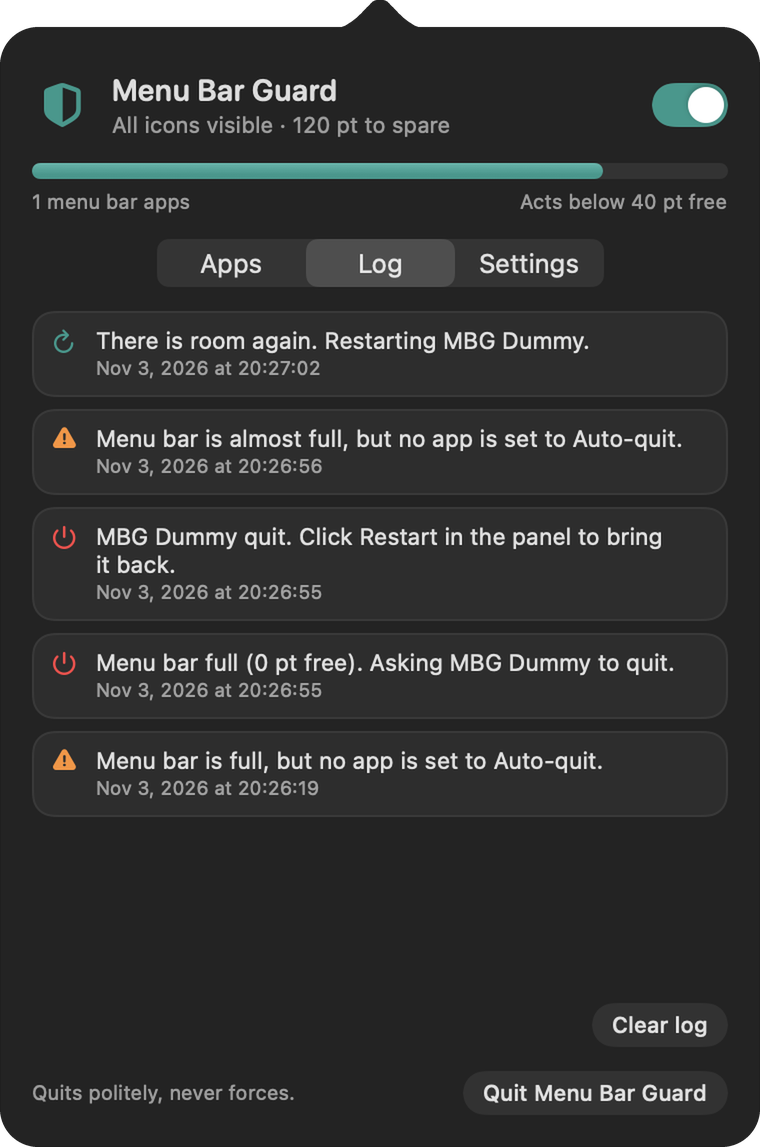
See which app was quit and why, and when it came back. The log stays on your Mac.
Polite, never forceful
It asks apps to quit the normal way, so they can save their work. It never forces anything closed.
A closer look
Open it and read it
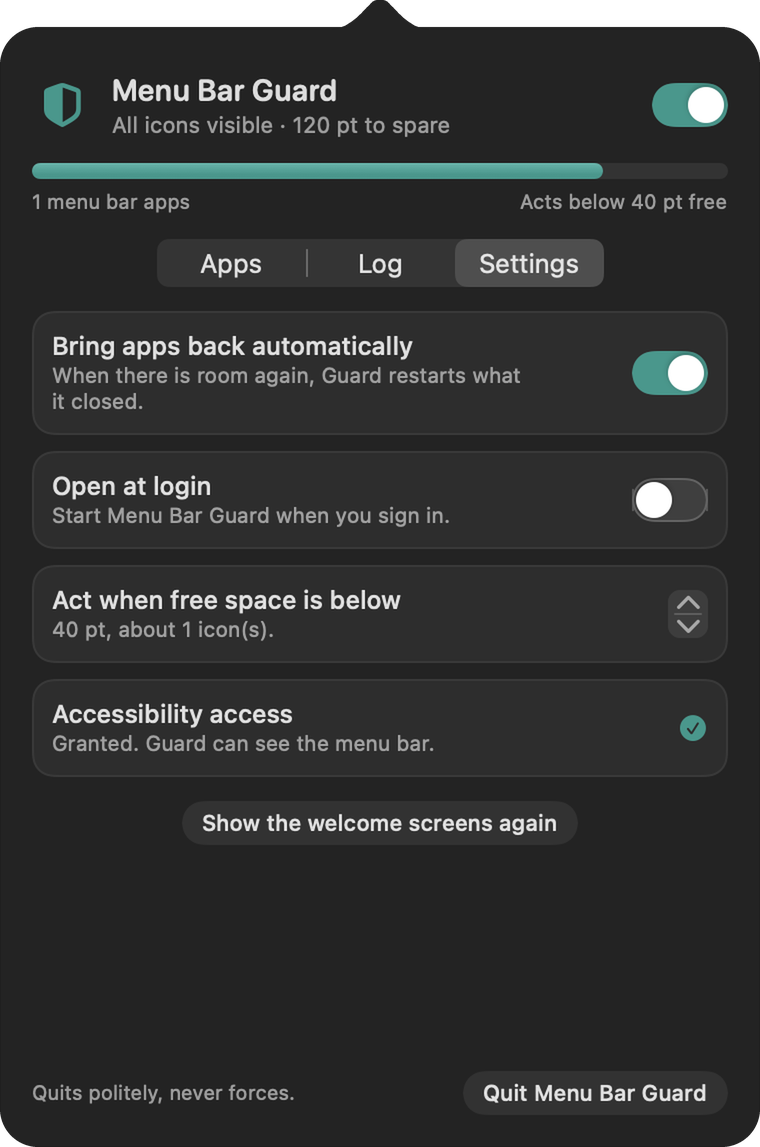
The panel in light and in dark.
Install
Install Roomy
Download it, open it, drag it into Applications. Roomy is signed and checked by Apple, so it opens like any normal app.
Mac
macOS 14 Sonoma or later
Download for Mac Roomy.dmgOr paste this into Terminal. It downloads, installs and opens Roomy in one go.
curl -fsSL https://solomon-69.github.io/Mac-Apps/download/install.sh | bash -s roomy- Open the downloaded file and drag Roomy into Applications.
- Open Roomy from Applications. When it asks, allow Accessibility in System Settings. It only reads where menu bar icons sit.
- Click its icon in the menu bar, drag your apps into the order you want, and switch Auto-quit on for the ones it may close.
Questions
Good to know
Does Roomy send my information anywhere?
No. It reads where menu bar icons sit on your Mac and keeps its log on your Mac. The one online thing it does is check GitHub for updates.
Why does it need Accessibility?
That is how macOS lets an app see where other menu bar icons sit. Roomy uses it only to measure the bar, nothing else.
Will it close apps without asking?
Only apps where you have switched Auto-quit on, and only when space has run out. It asks them to quit the normal way, so they can save. A padlock means it never touches that app.
What happens to the apps it quit?
When there is room again, it reopens them for you. The Log tab shows each quit and restore.
Does it work on every Mac?
It is made for MacBooks with a notch, on Apple silicon, macOS 14 or later. There is no Windows version.
Can I build it myself?
Yes. Roomy is open source under the MIT licence. The code is on GitHub.
Opening the app
Roomy is signed and checked by Apple (notarized), so it opens like any normal app: open the download, drag to Applications, double-click. You can check a download against the SHA-256 fingerprints in each release (the SHA256SUMS file) on GitHub.